Assign2

Elevate your grading experience with Assign2 – the advanced tool that reads handwritten work, recognizes mathematical equivalences, and offers algorithmic grading. Effortlessly streamline the assessment process, save time, and provide detailed feedback to boost learning outcomes.

HOW ASSIGN2 WORKS

Seamless steps from assessment creation to grading and performance analysis.

1.

Create & Distribute Assessments

Create an online or paper-based assessment or assignment in Assign2 with various question types.

2.

Submit & Upload Completed Work

Students upload their work as PDF or by using their mobile phone. Instructors scan paper-based work and upload to match automatically to student.

3.

Grade and Provide Feedback

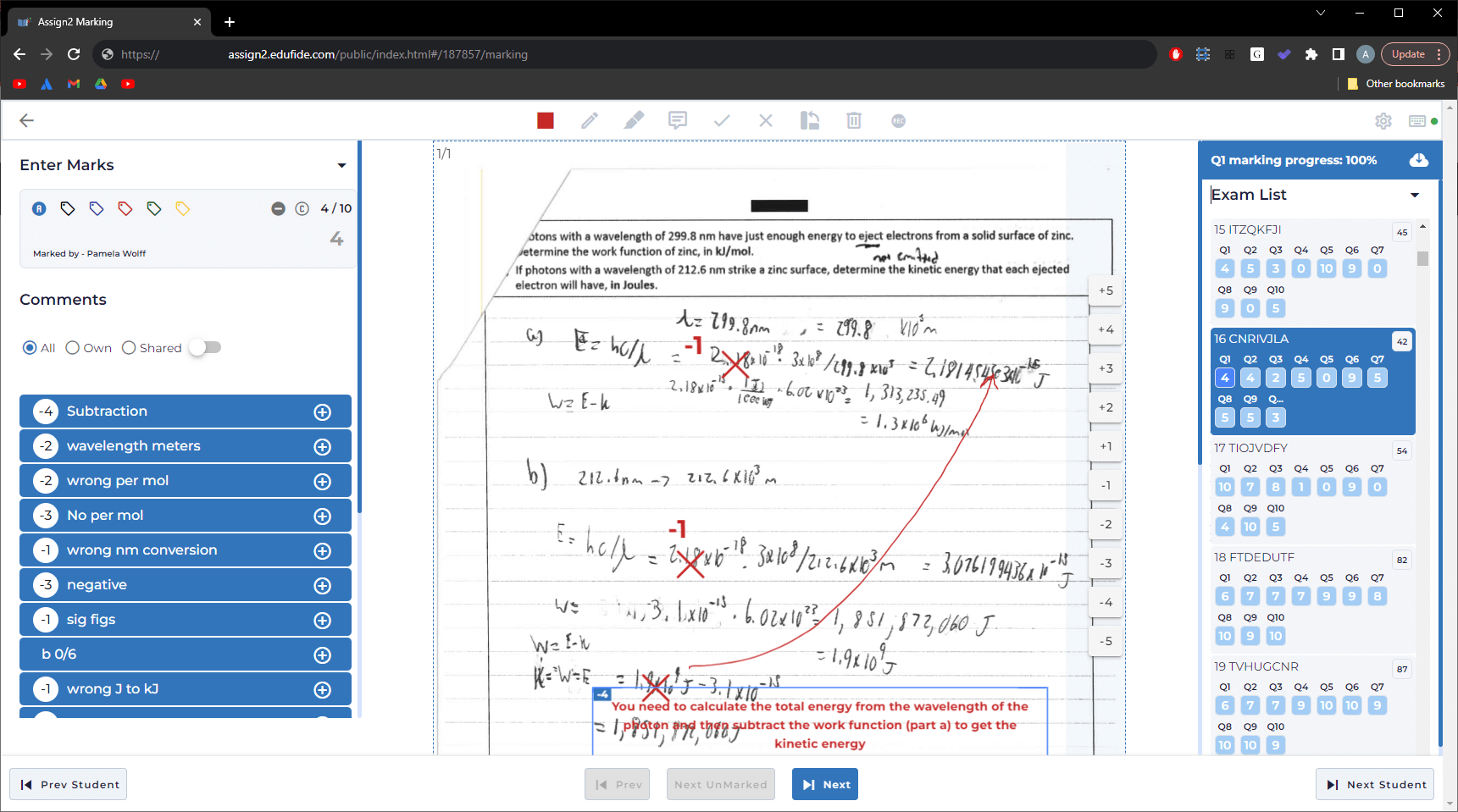
Use versatile grading tools for thorough feedback, collaborate with your team, and deliver grades online instantly.

4.

Analyze & Enhance Learning

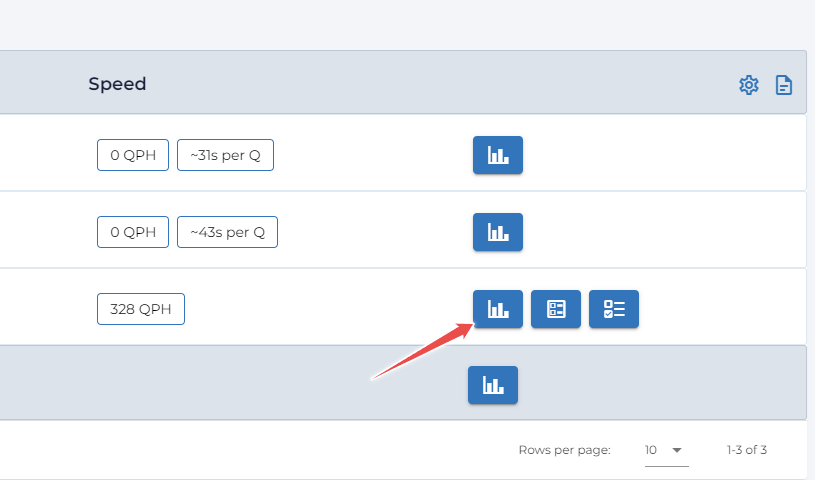
Assign2 offers student performance analysis, grading speed statistics, and assessment design insights for effective differentiation.
Comprehensive
Feedback

Provide feedback on each part of a student's solution, ensuring they understand their strengths and areas for improvement. Integrate PDFs, images, graphs, videos, etc. to improve student learning.

Effortless, Adaptable
Grading

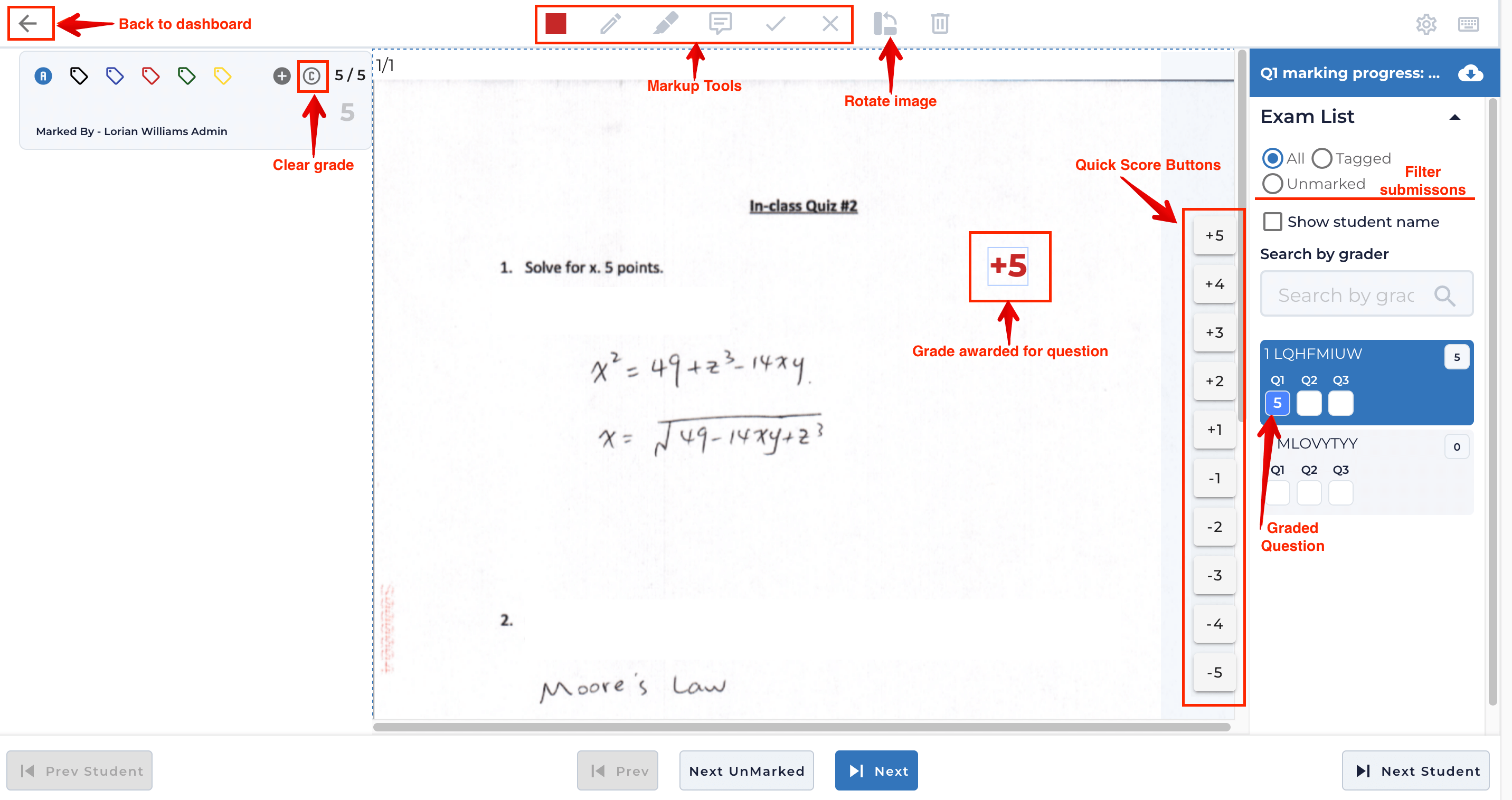
Easily provide detailed feedback with a single click using a customizable grading interface and keyboard. Reduce the need for proprietary bubble sheets and scanners by using Assign2 to automatically grade multiple choice items. Supports concurrent marking by multiple graders.

Auto-Grading &
Peer Assessment

Enhance educational experience and assessment quality with Assign2’s auto-grading feature. Reads handwritten work, recognizes mathematically equivalent expressions, employs grading logic trees for customization, offers algorithmic grading, and comprehensively checks work to pro- vide a thorough assessment.